
Ordering online has moved.
From the start of the 2026 school year, tuckr® online ordering is moving to Kindo. Nothing else changes: same menu, same team, just a new place to order. tuckr® is still your school lunch provider. Kindo is simply the online ordering platform.
Already have a Kindo account? Click “Order now via Kindo” to login.
New to Kindo? Follow the steps below to get setup.
Order tuckr® through Kindo
One Account. All Your Schools.
All Your Kids.
Whether you’re new to Kindo or already using it, ordering from tuckr® is easy.
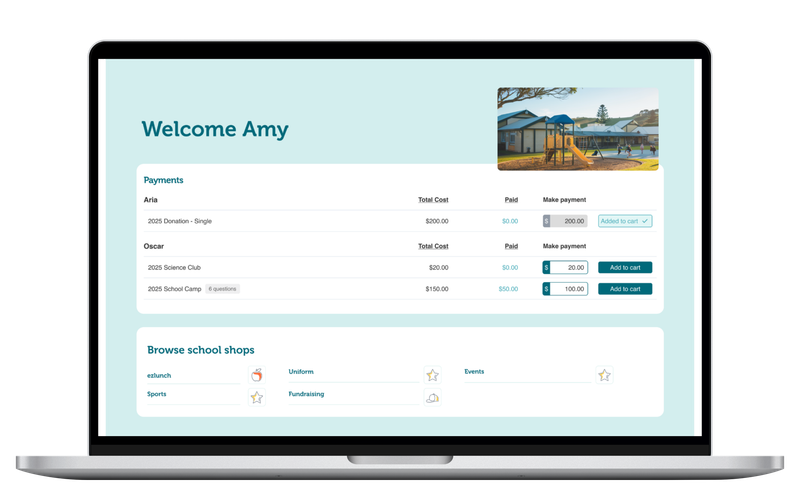
New to Kindo?
- Visit kindo.co.nz (or download the Kindo app).
- Create your account.
- Add your student/s and their school (you can add multiple schools).
- You will then see the correct school menu and can place your order.
Setup only needs to be done once.
Already have a Kindo account?
- Great! Sign in to your Kindo account.
- Select your child and their school.
- Open the Ezilunch tab, select tuckr® and place your order.
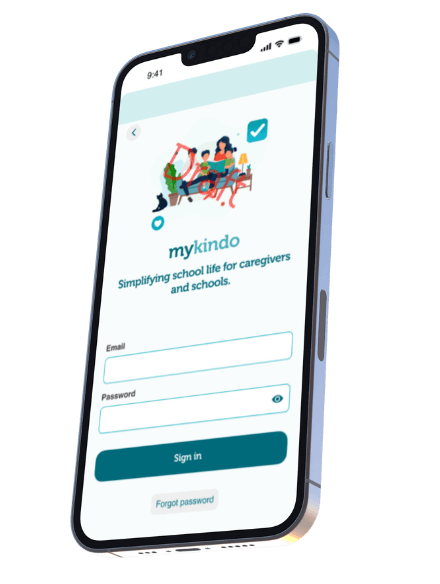



Having Trouble signing up?
Kindo’s friendly team is here for you.